Always seeking to update its analysis tools and facilitate the use of the Web Platform, Dynamox has just released another series of new features.
Check out the main updates in the latest version below:
INTEGRATED MODULE
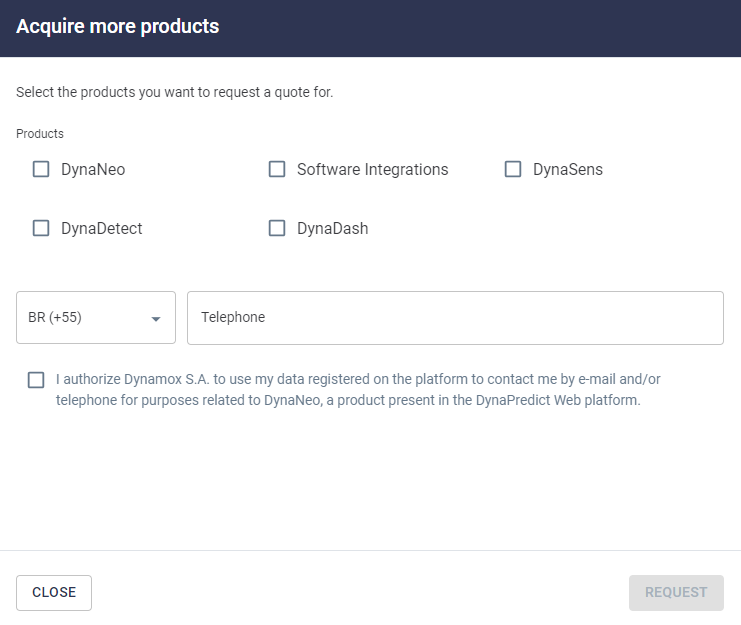
DynaNeo
PREDICTIVE MODULE
Forecast
New spectral metrics screen
SENSITIVE MODULE
Checklists
Dynaneo
Customize your company’s asset management process and have a more interactive analysis
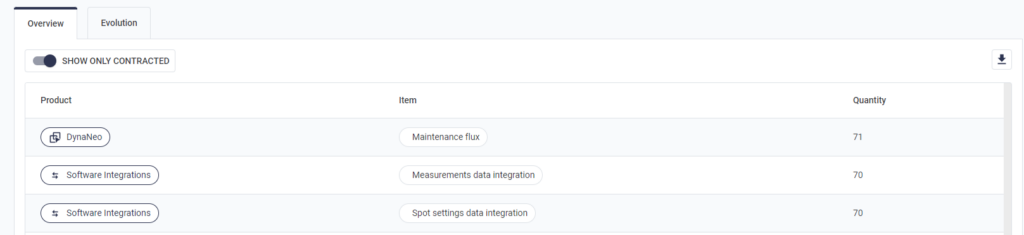
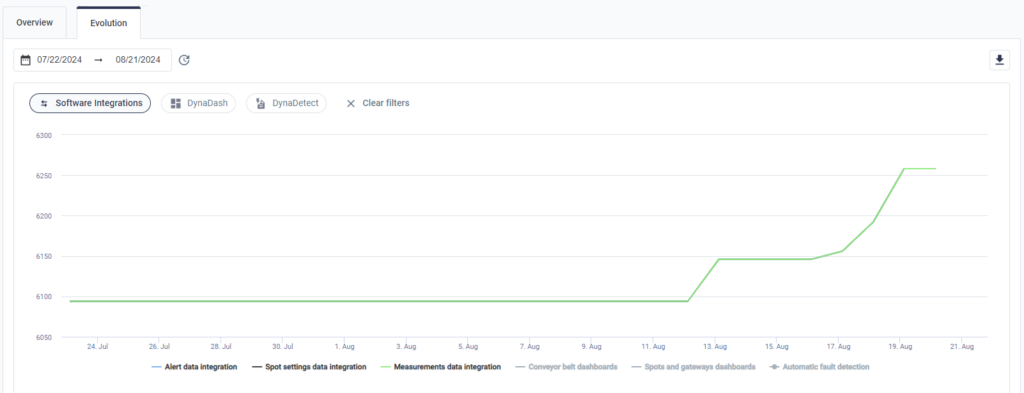
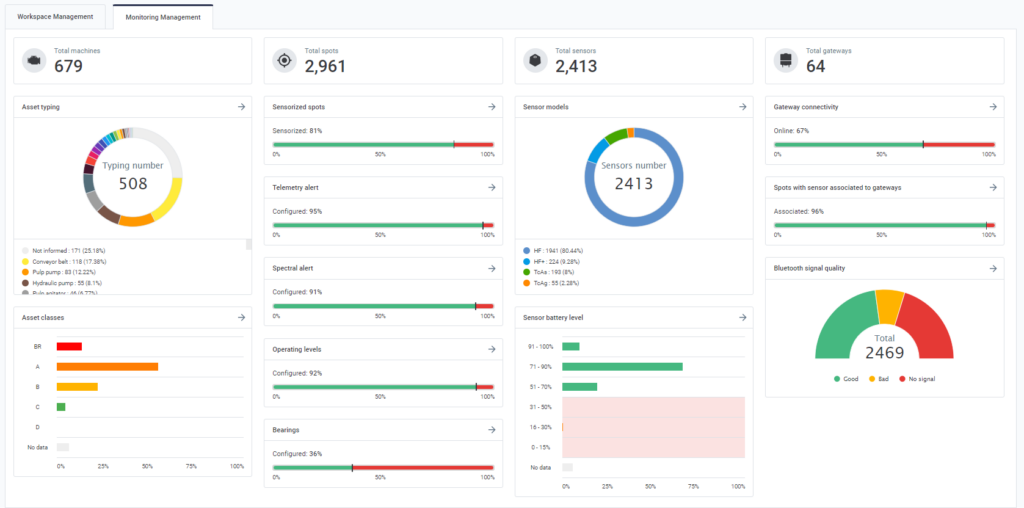
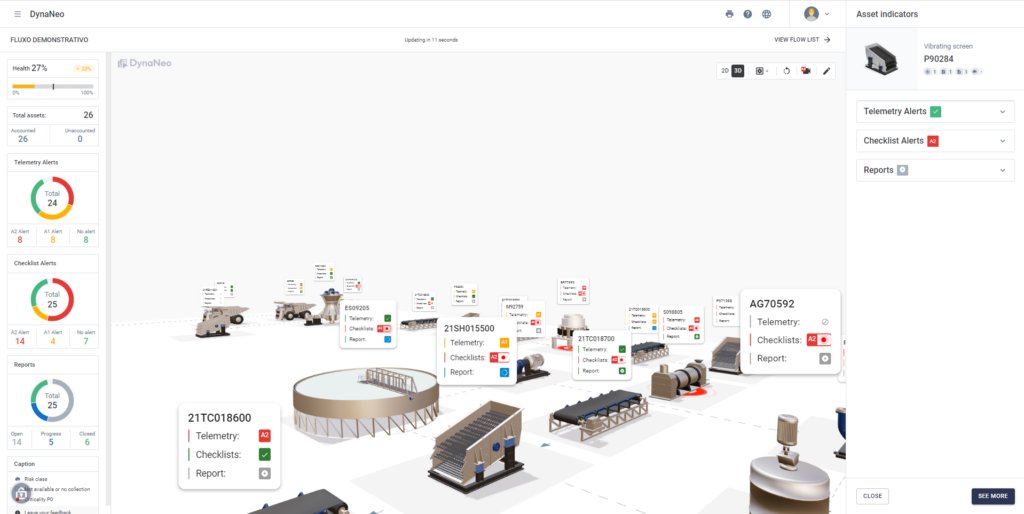
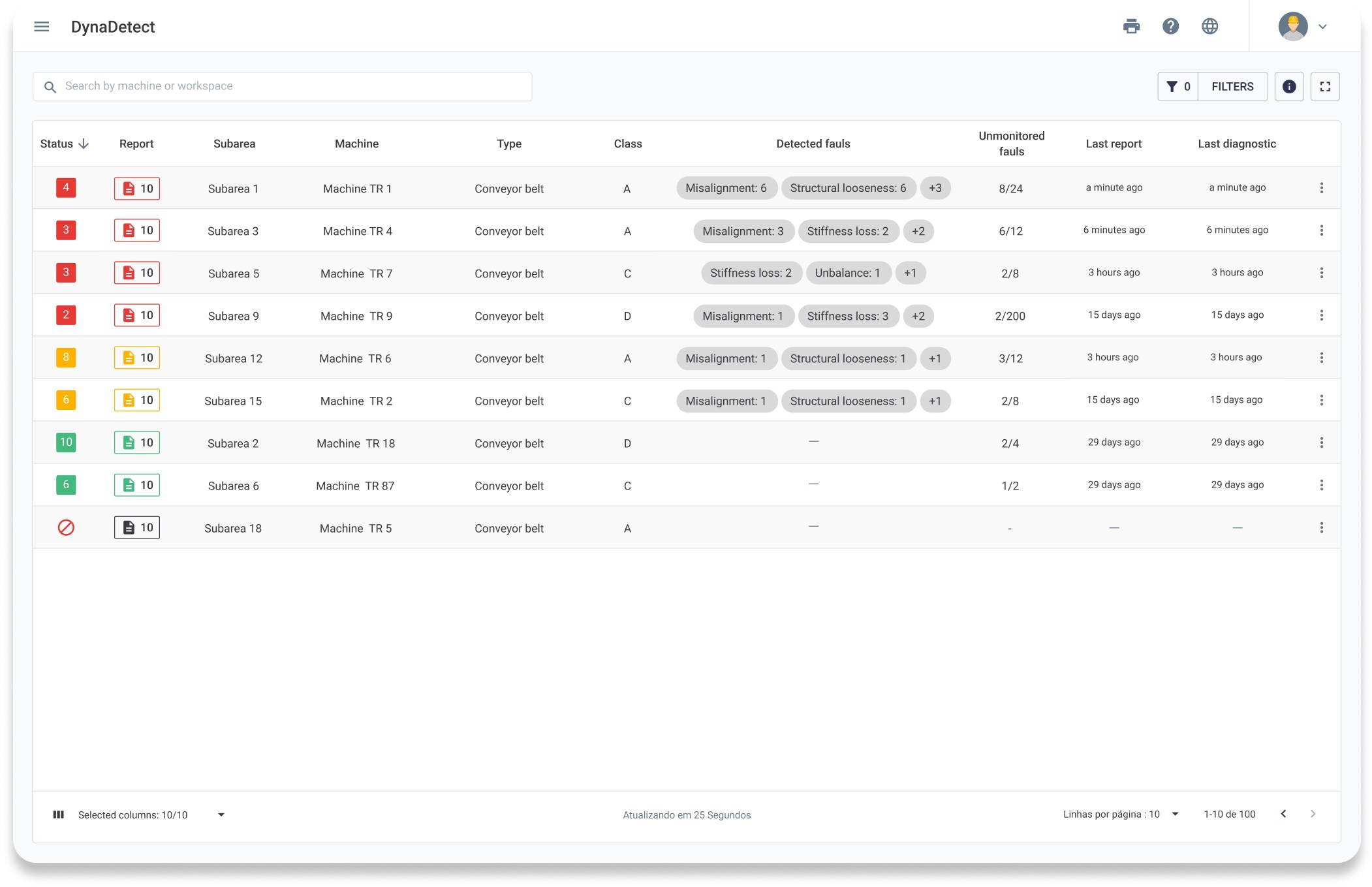
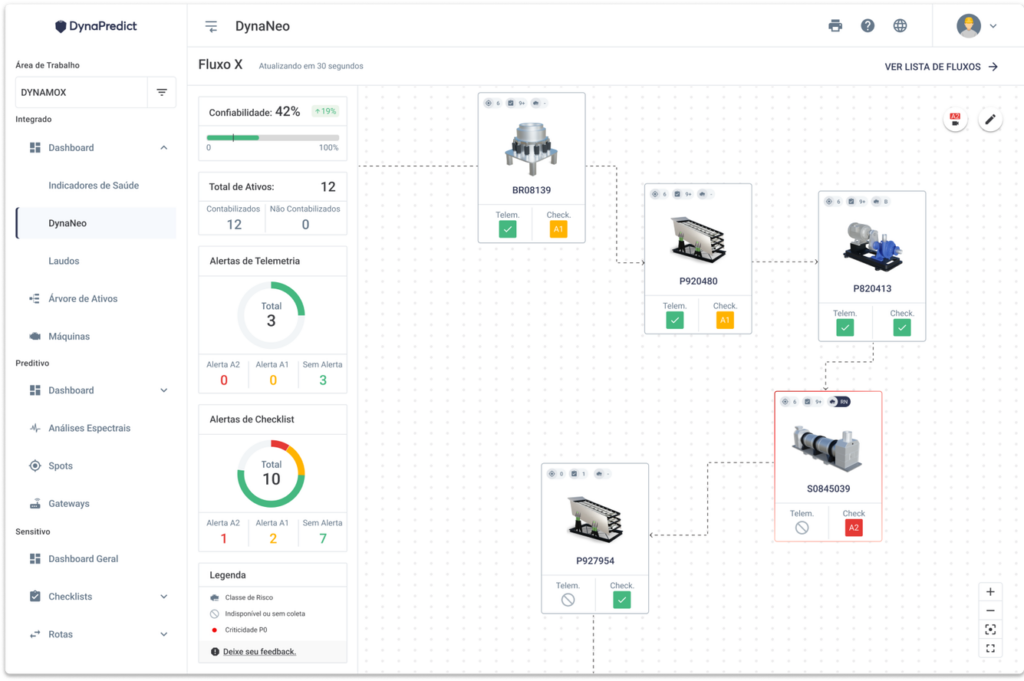
DynaNeo is a visual management dashboard, which combines information from the DynaPredict environment into an integrated visualization. The functionality allows the calculation of the reliability of a process based on the indicators of interest to the user. The DynaNeo is customizable, interactive, visual, and conclusive.
With DynaNeo, you can easily explain the maintenance process through visual management. With this solution, you can quickly find the alarmed assets and visualize the consequences of breakage or maintenance. In addition, it is possible to configure the relevant indicators for the application and set the desired reliability percentage.
Forecast
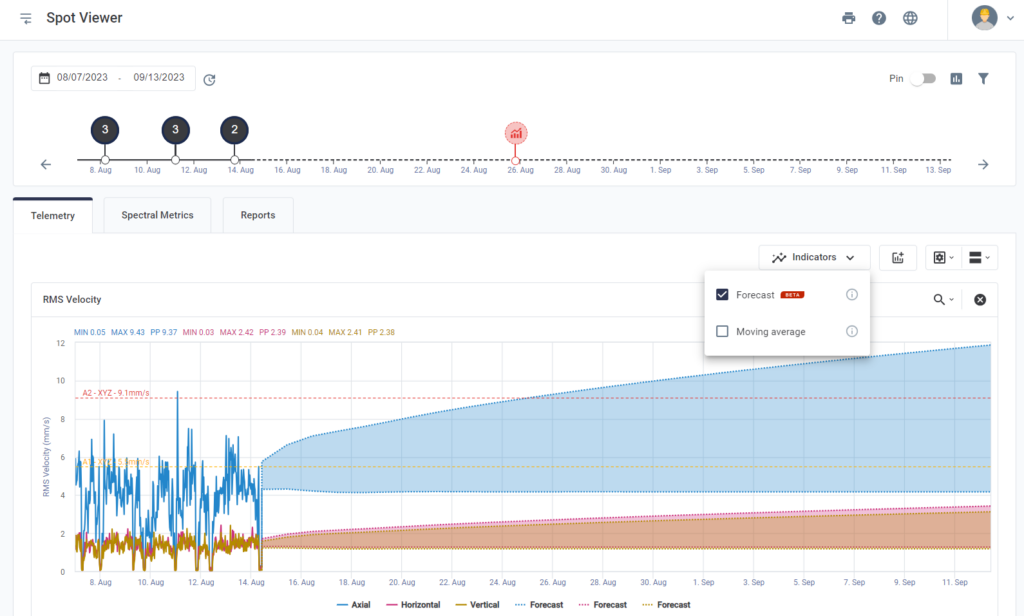
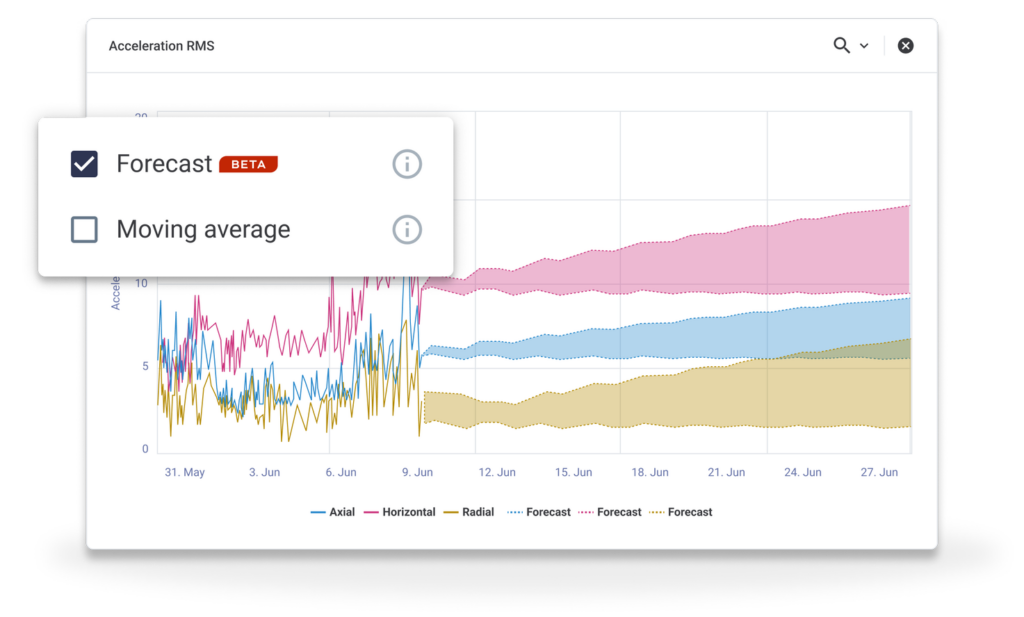
Project future spectral and telemetry alarms to schedule maintenance actions.
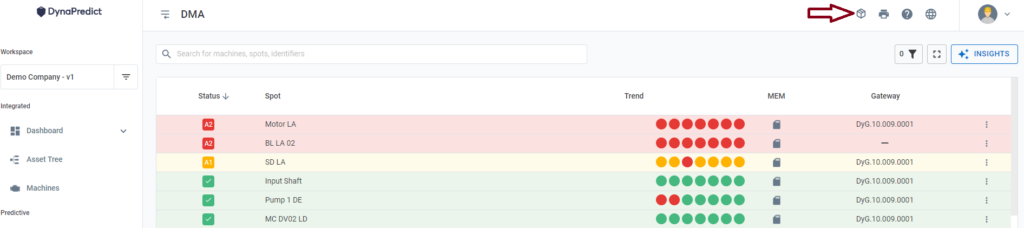
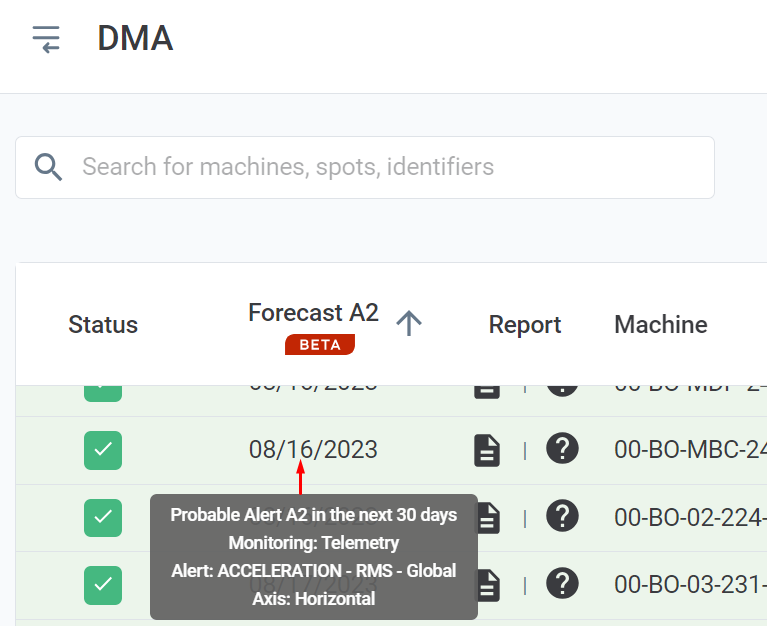
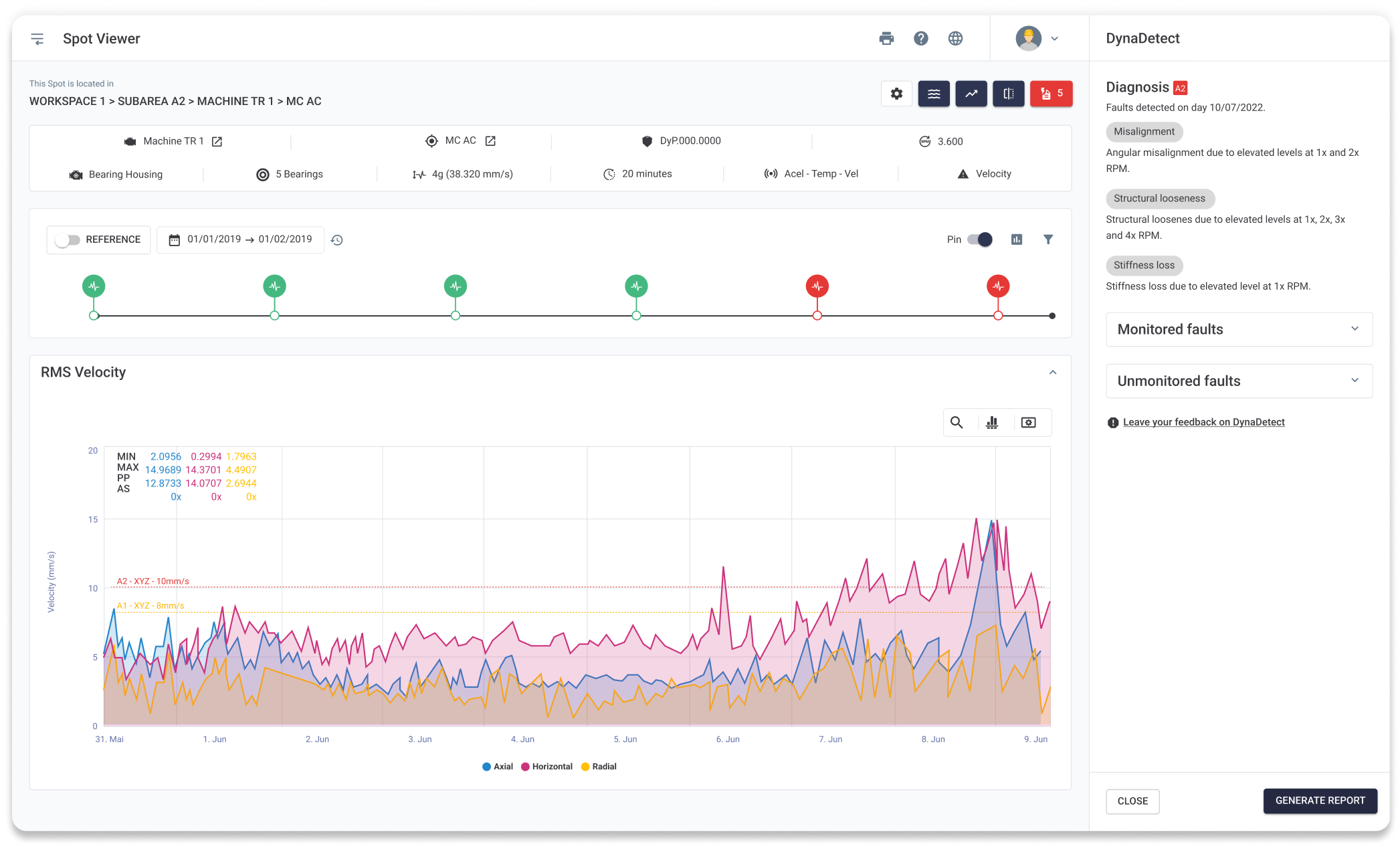
Spot Viewer and DMA now feature the Prediction tool, which will help you analyze your data more efficiently.
This tool allows you to project telemetry data and spectral metrics based on a recent history, allowing you to identify monitoring points that are evolving and schedule maintenance actions.
Spectral Metrics
Ensure a more complete analysis of the information.
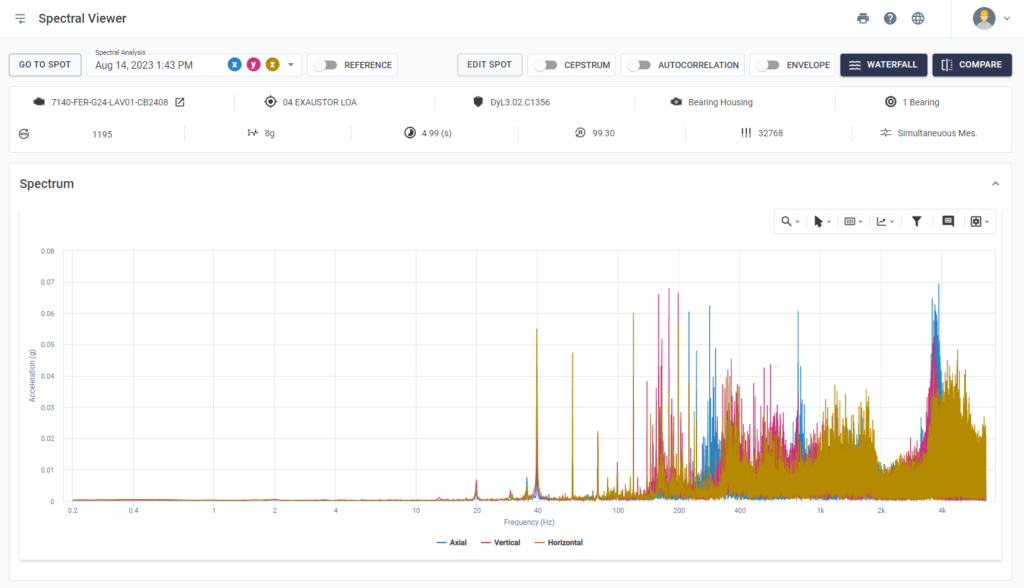
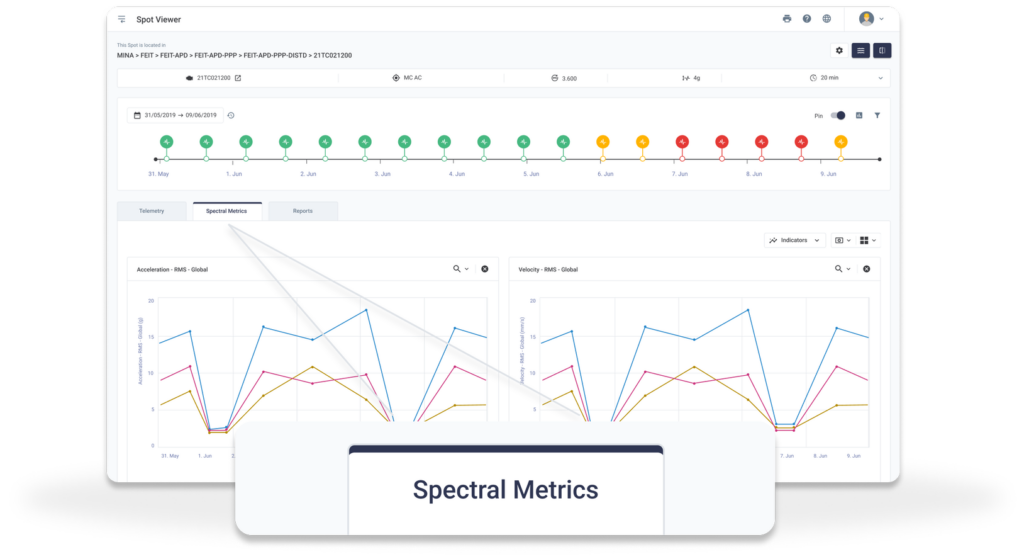
The Spectral Trend screen has been renamed; it is now called Spectral Metrics. The data on the screen is still the same, it has just changed its access location and has improved data visualization.
The page is now integrated as a new tab in the Spot Viewer, offering the same telemetry-compatible features and tools.
It also allows visual customization of the graphs. This upgrade makes it easier to view the spectral data and provides a more complete analysis of the information, with all three tabs available in one place.
Checklists
Interface change for better usability
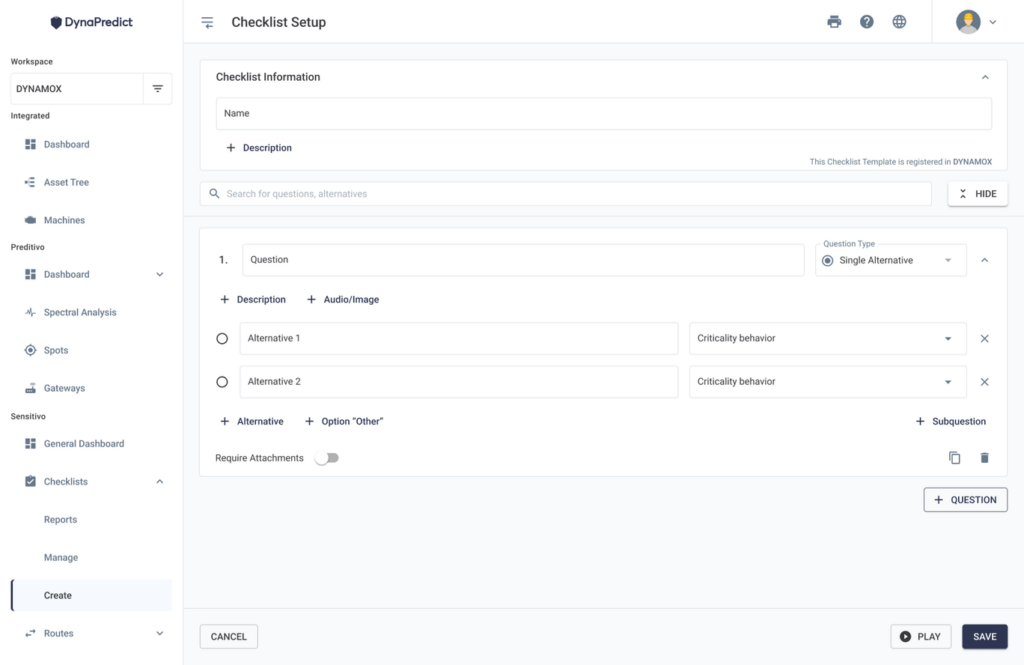
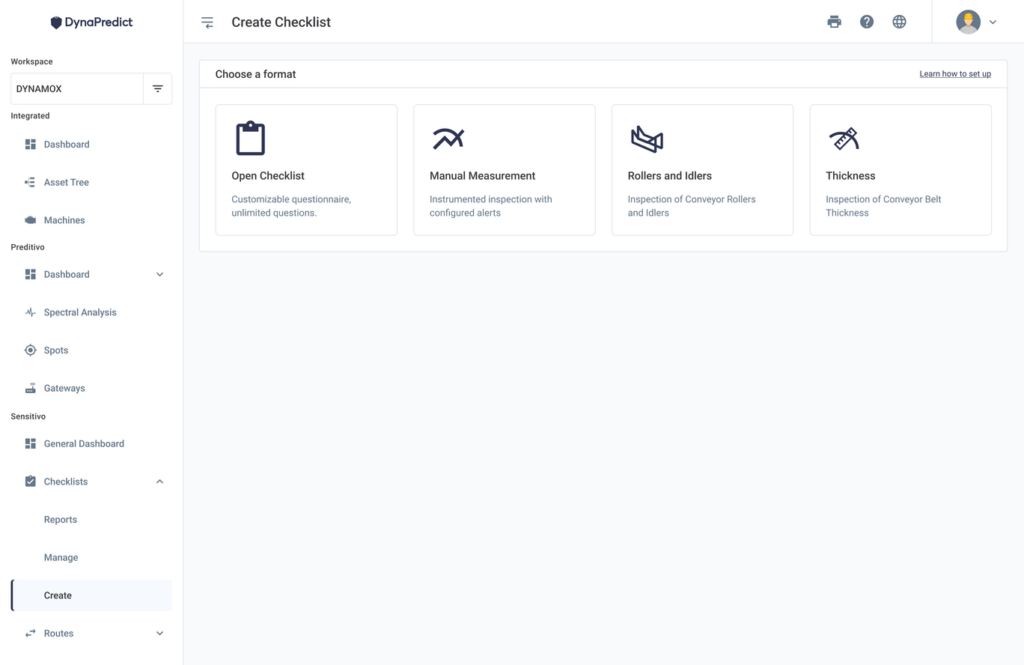
The checklists have been updated with a more visual interface, resulting in better usability. Checklist creation is centralized, bringing together the name and type screens with question settings on one screen.
Before creating a checklist, it is possible to get detailed information about the options available for each checklist type. The user can review the configuration steps and see how the checklist will look in the application.
The old Standard Checklist is now called Free Checklist, keeping all the previous functionalities. The user can create a checklist, assign a name, and configure the questions.
During the setup process, there is a new playback option. The play button is available in all stages, allowing the user to test the checklist execution and preview what it will look like before saving.
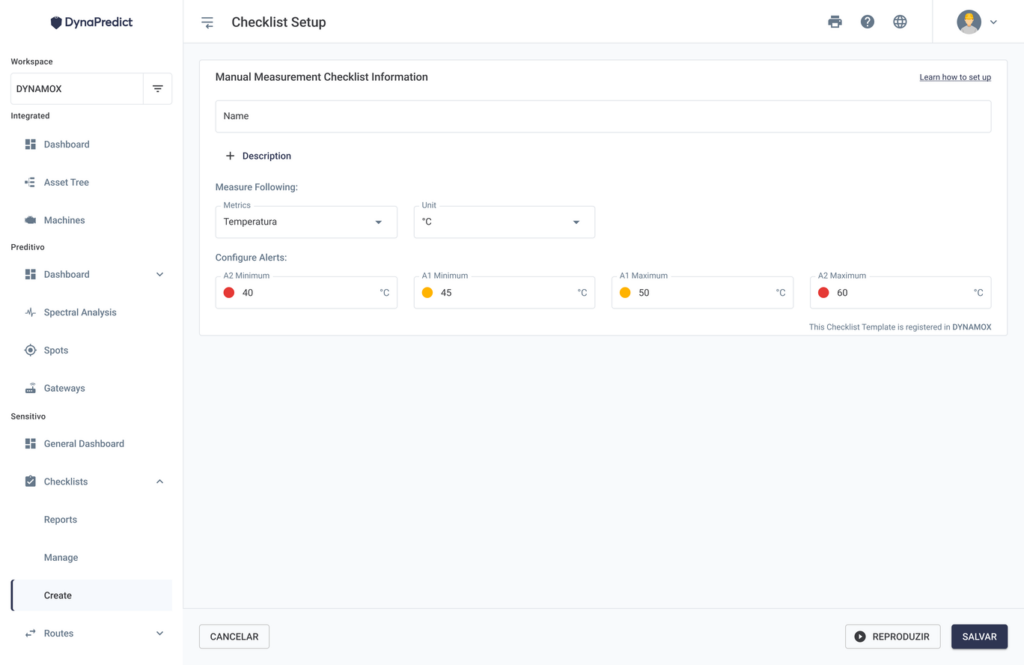
When adding a Free Checklist, the user can select whether the question will be single choice, multiple choice, or manual measurement. In addition, you can change the order of the question alternatives by clicking and dragging to the desired position (Drag&Drop).