Android version: August | 2026

The new Android update is now available!

Discover the latest features introduced in this version of the Dynamox app.


Spot sorting by collection date

The Dynamox app now enables users to view and sort spots by their last collection date. Simply toggling the “Spots Only” switch on the Machines screen switches from the tree view to the spot list, which is automatically sorted by those that have gone the longest without collection. 

The sorting icon (bottom right corner) allows reversing this order when necessary, and each spot displays the date and type of its last collection (telemetry or spectral). 

This empowers users to prioritize inspection routes and prevent sensors from being overlooked, especially in plants with a large number of monitoring points. 

These improvements were designed to make your monitoring more intuitive and efficient, contributing to a more agile and clear operation in your daily routine. 

Do you have any questions or want to know more details about any of these updates? 
Talk to our team

See you next time! 
Dynamox Team 

Android Version | Feb/2026

The new update of the Dynamox App for Android is now available!

Check out what’s new and make the most of the updates! 
______________

Management indicators in the app 

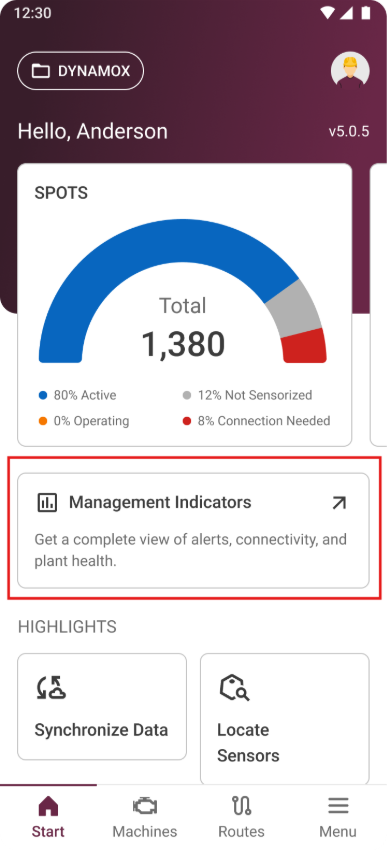
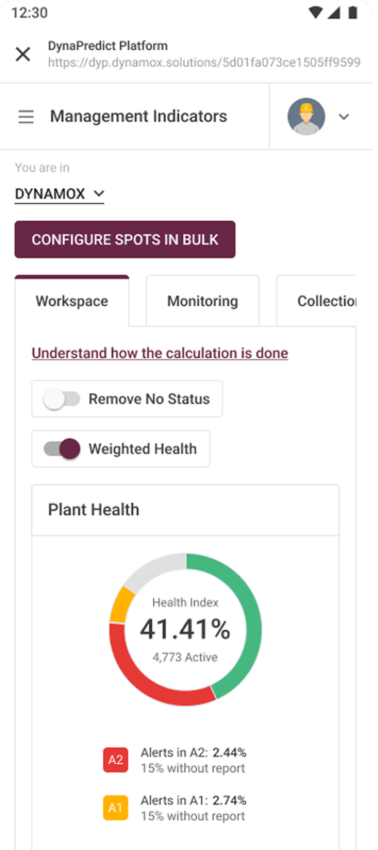
The Management Indicators module is now also available in the Dynamox app, making the key information from your area even more accessible in your daily routine. 
When you open the app, right below the spots chart, you’ll find the new card for the Management Indicators module. With a single tap, you can access the dedicated indicators area, where you can easily keep track of the main  management data from your plant. 

To access the indicators through the app, an internet connection is required for loading and updating the information, ensuring that the displayed indicators are always aligned with the most recent data on the Dynamox Platform. 
The feature is available for both Android and iOS devices. 

Android – Version 4.35

🚀 Introducing the New Feature: Multi-User Route! 🌟

With Multi-User Route, you gain total control and unmatched agility. Now you can:

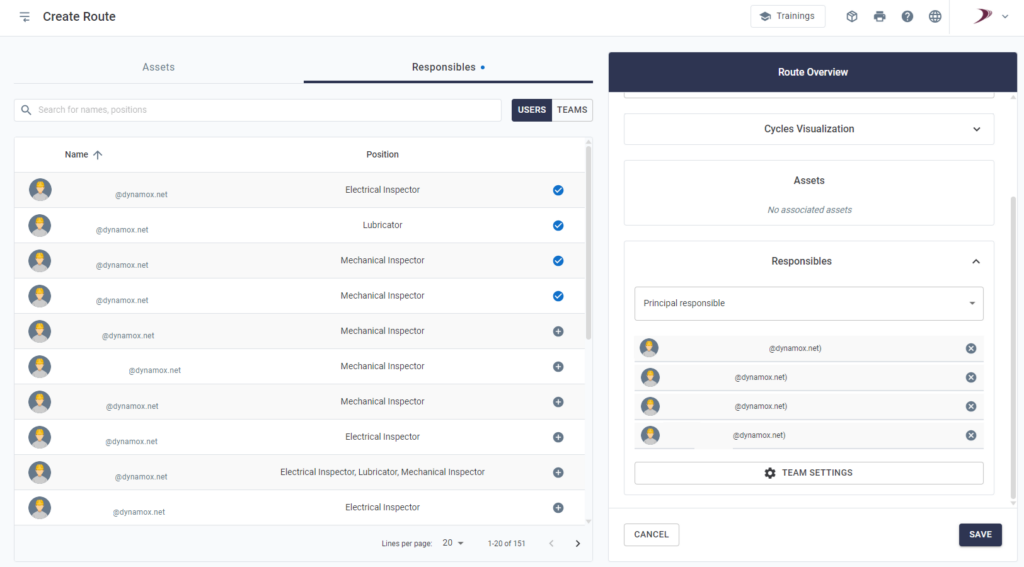
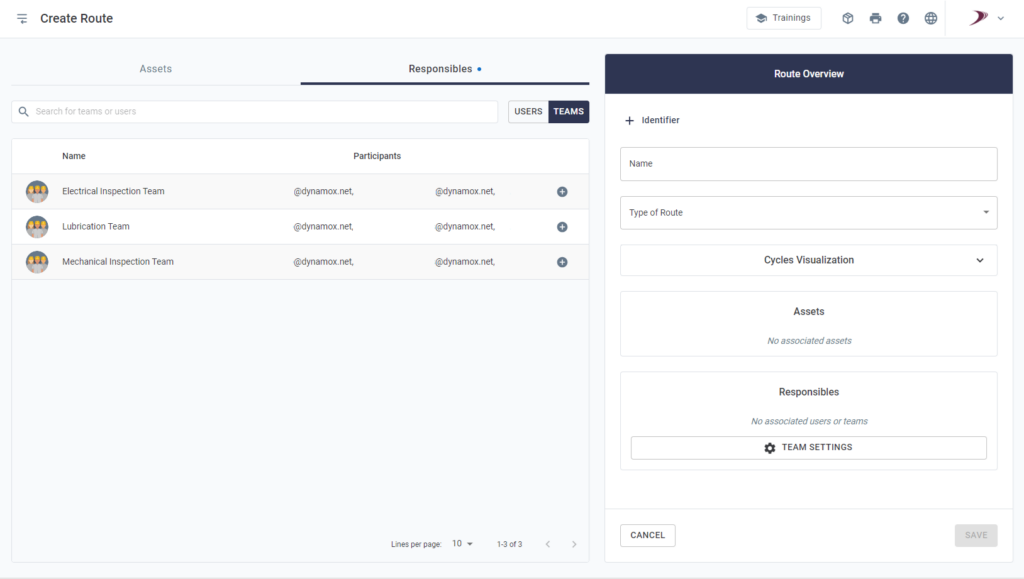
✅ Assign up to 35 individuals to each route or associate it with a team.

✅ Define a Primary Responsible User, who will be assessed in adherence calculations.

✅ Configure reusable teams, optimizing route maintenance and saving time.

How does it work in practice?

  • Web Platform: Planners create routes and assign users or teams with just a few clicks.
  • Mobile App: Executors take over routes directly from the app with full flexibility, even in offline mode.

📊 Smart Reports: The system differentiates between the user who completes the checklist and the Primary Responsible User, ensuring clarity and traceability.

💡 Benefits at your fingertips:

  • Reduced rework for planners.
  • Increased collaboration among teams.
  • Greater efficiency in route management.

🌟 Transform your inspection process with enhanced flexibility and efficiency!