Web: August | 2026

Hello,
Stay up to date with the latest features and enhancements we’ve just launched on the Dynamox Platform.
Check out what’s new and leverage these updates to their fullest!
Description and location in the Lens registry
The Monitoring tab, under Lens Configuration, now features a free-text Description field and geographic location logging for the device.
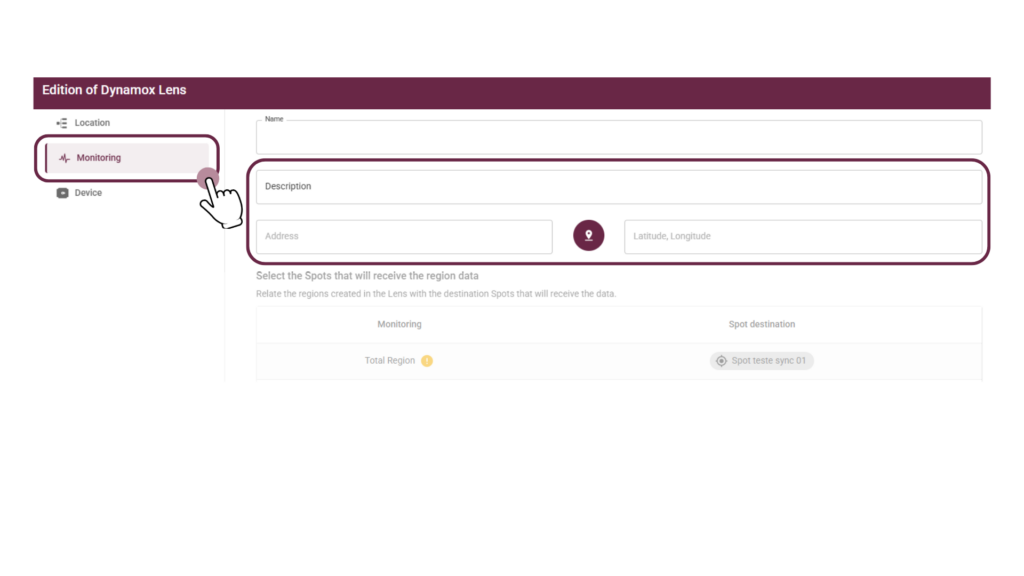
Just by clicking the pin button to open the map and select the point, the address and coordinates (latitude/longitude) are automatically populated.
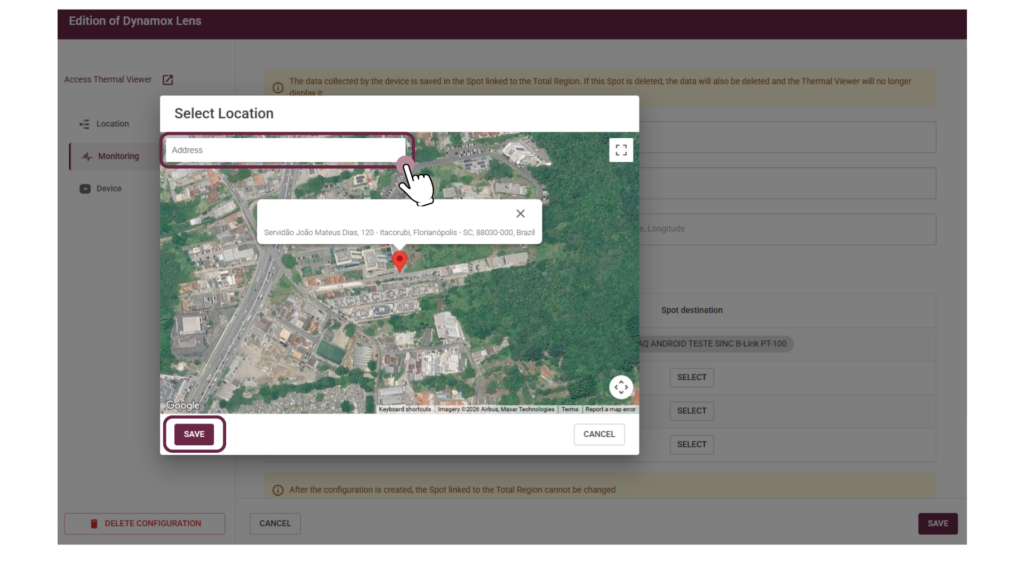
This streamlines the identification of each Lens, enabling operators to precisely record the installation site and avoid ambiguity when multiple devices are located on the same plant.
New “gatewayName” column in Monitoring Management CSVs
All Gateway CSVs now include the GatewayName column. Previously, the list only displayed ID and DyID; now, item identification is immediate.
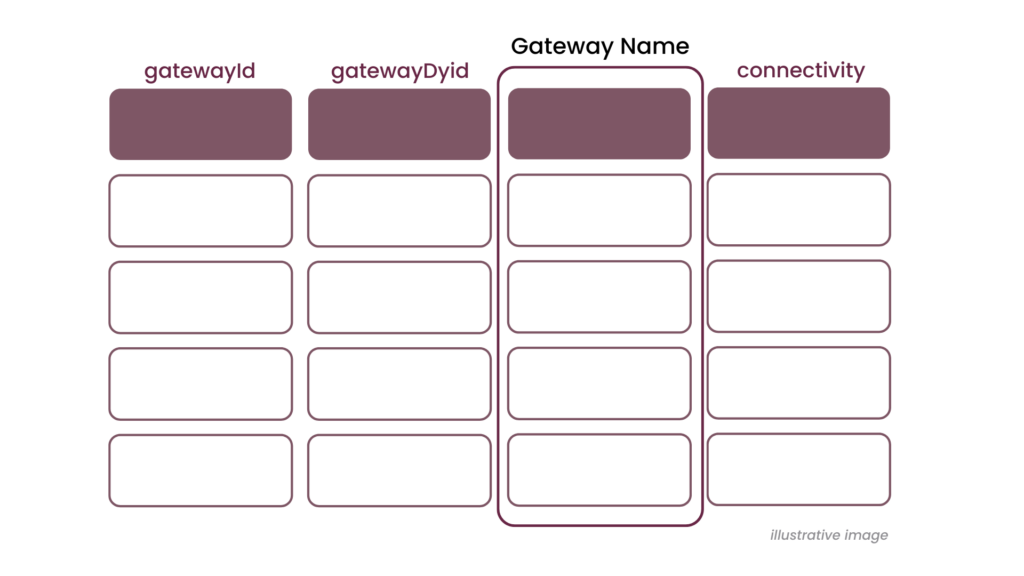
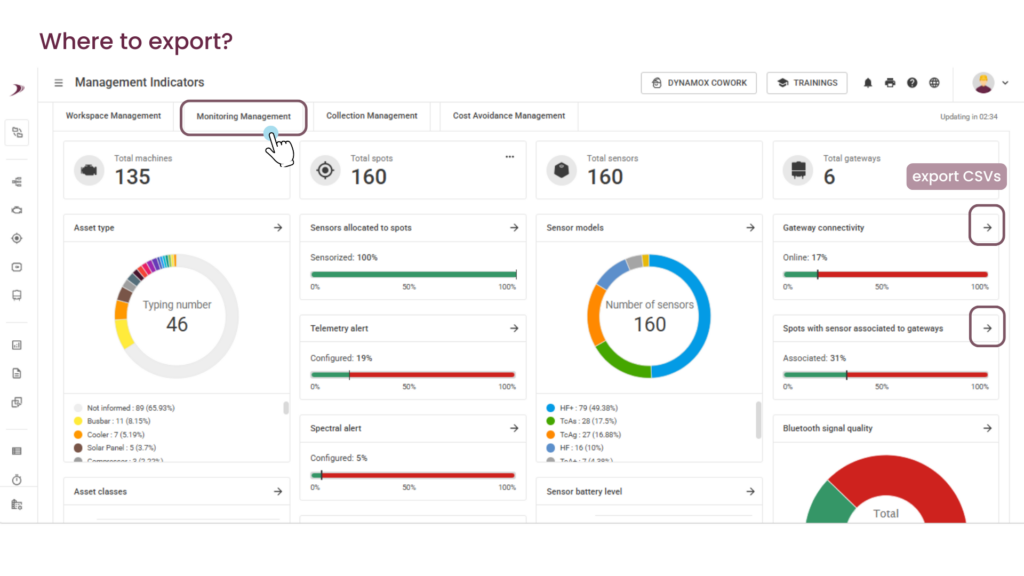
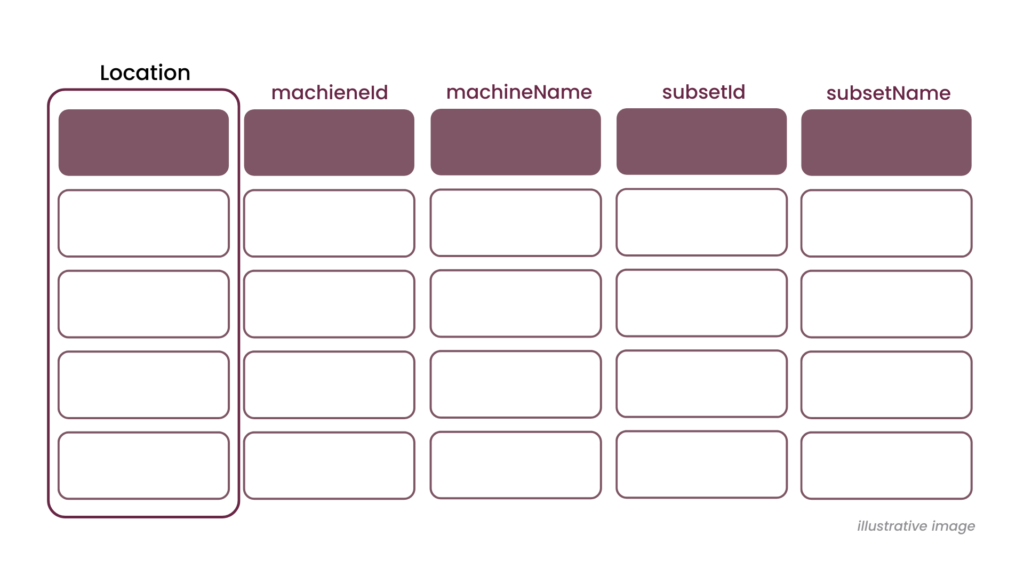
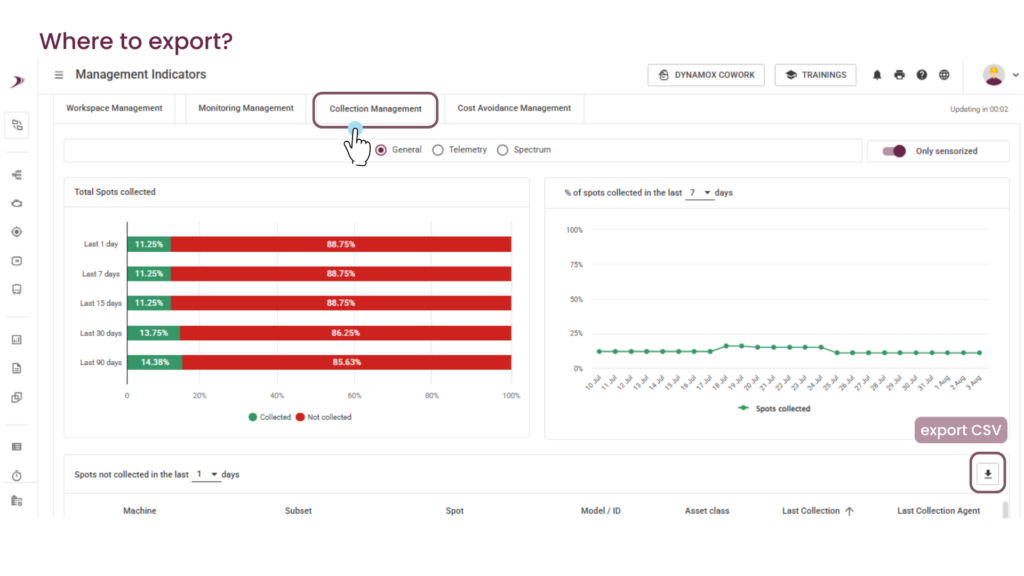
New “Location” and “gatewayName” columns in the Collection Management CSVs
The Uncollected Spots CSV has gained two new columns: a breadcrumb detailing the full path from the asset to the machine (areas and subareas), and the GatewayName column, populated when the last collection agent is a gateway. This provides clearer visibility into the Spot’s location and the agent responsible for its collection.
These improvements were designed to make your monitoring workflow more intuitive and efficient, contributing to a faster and clearer operation in your day-to-day activities.
If you have questions or want more details about any of these updates, talk to our team!
Until next time!
Dynamox Team